Lispix - A Graphics and Computer Vision Algorithm Tester
August 15, 2026
Abstract
Lispix is a tensor based, graphing calculator like application. It is focused around fast iteration on image algorithms. It is similar in spirit to Desmos, but based around the Lisp language and makes it easy to test image algorithms as you write them.
Introduction
As anyone who has experience working on computer vision problems knows, it is paramount to not only build the correct model for the job, train with the right good quality data, but there is almost always some additional raw graphics work that will need to go along with the model. Either pre-processing or post-processing, and sometimes an intermingled algorithm that does that secret sauce thing.
When I work on these problems, I often start with a Python notebook (as most people do). Then, depending on how complicated the maths is, I tend to iterate on Desmos. Desmos is a fantastic graphing calculator, and I find that with some problems the iteration time is much faster and more understandable using a graphing calculator style interface than a Python notebook. You can just see the output instead of, for example, trying something and then trying to graph the result in matplotlib or what have you.
Desmos is wonderful, but for my use case I find it falls a bit short in a few ways. Here are the things I’ve tried to fix in my workflow using an application I put together a while ago: Lispix the graphing calculator and maths test bed.
Here are the things that I find annoying in Desmos, and how Lispix fixes them.
There is no way to work in image space
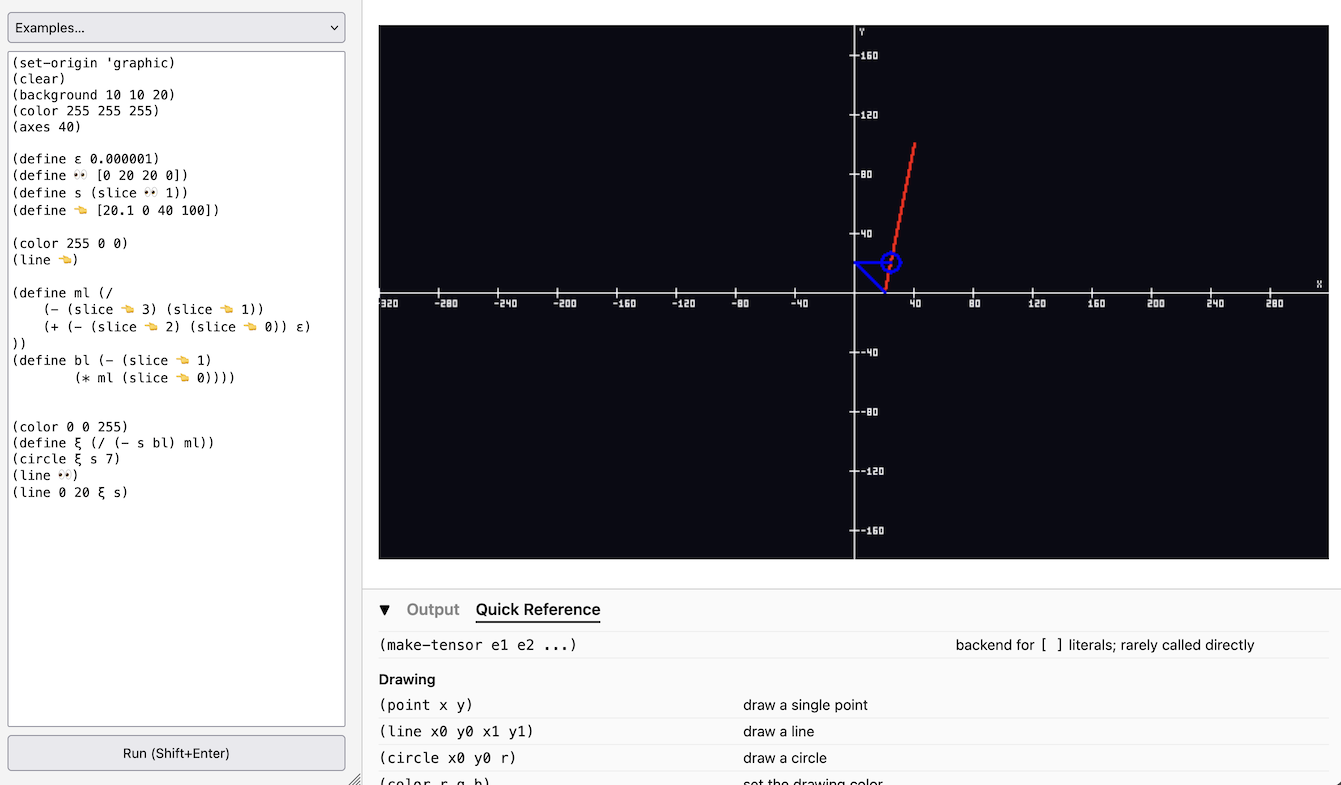
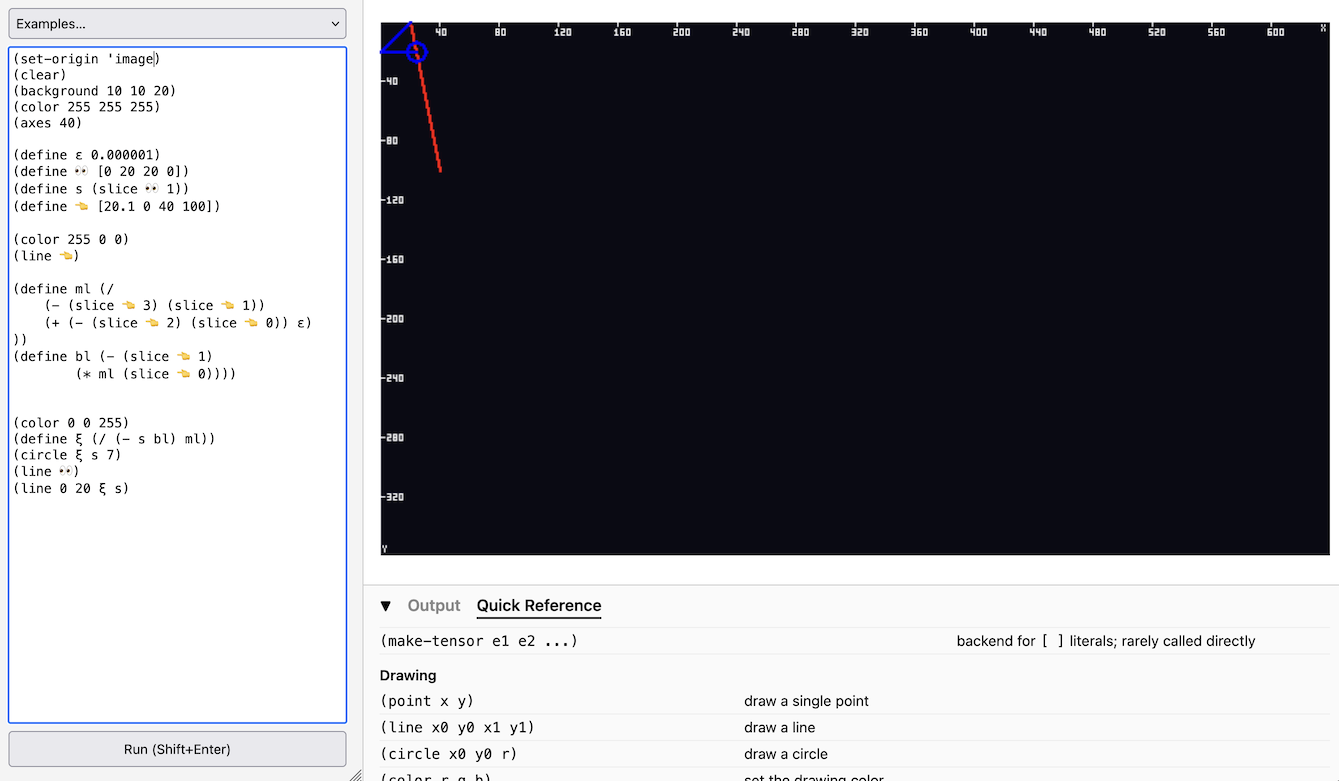
Meaning swapping Y (X+ to the right and Y+ going down).
When playing with maths from a paper, or trying to work through something pure maths, a graphing calculator style is great. Most of the time, however, I am working with maths that are processing image pixels in some way. Aside from work with OpenGL, almost all of the time Y goes down when working with images. This isn’t too hard to translate from the origin being in the center, but I often find the maths is easier for me to reason about when the space is matching the maths. In Lispix you can just change the orientation:
Entering formulas is in LaTeX
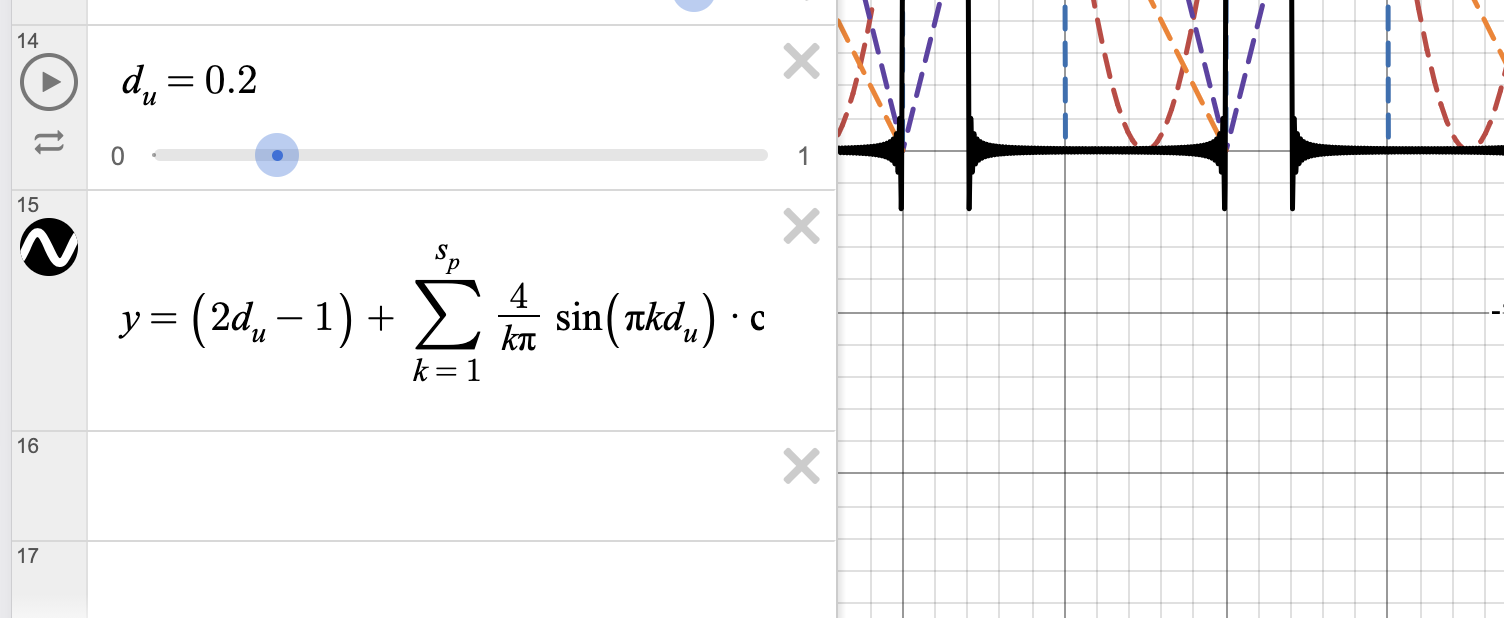
In Desmos, you enter formulas in LaTeX. I love LaTeX. In fact I know LaTeX better than I know actual mathematics :-/. I think it makes the maths look beautiful, and I always use LaTeX when working on academic papers. However, using it as input can get very cumbersome. Trying to get the cursor in the right place when using division, or in an exponent, or part of a sum or integral can be more of a challenge than the equation your working on.
Lispix, on the other hand, uses Lisp instead of LaTeX for it’s formula input. Lisp can feel a bit odd for those who haven’t used it, but for me, I find it quite natural.
; for example this makes more sense to me then typing \frac{1}{2}
; while still feeling pretty similar
(/ 1 2) ; => ½
; And something like this
(* 1 2)
; Feels like how I normally think of maths anyway (probably because old)
;   1
; * 2
; ---
Additionally, Lisp correlates with academia probably as much as LaTeX does. You can also just give Lisp to an LLM and say “make this into python and C and golang” when you’re done.
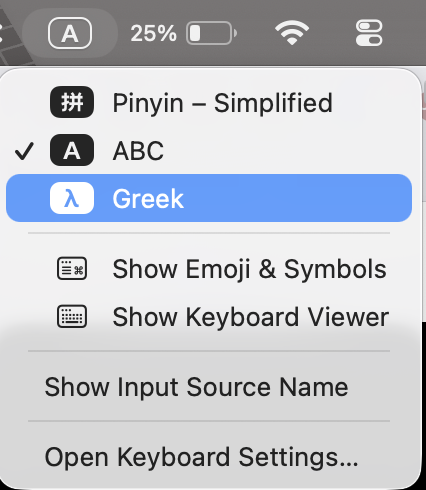
Along the same lines, variables in Lispix are UTF-8 aware. This means you can use Greek symbols without doing anything wonky. Instead of typing \sigma you just type σ. You can do this on macOS by enabling the Greek keyboard layout. I have the CapsLock key assigned to switch keyboard layouts so it’s very easy to swap back and forth.
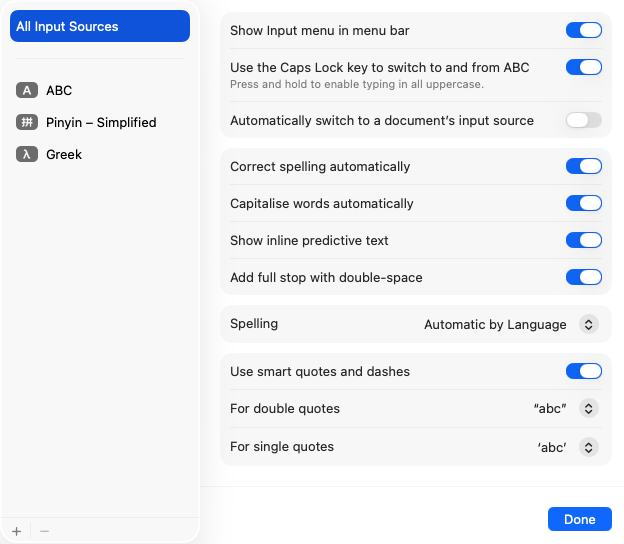
Because of this you can do things that feel natural like just defining $\epsilon$
(define ε 0.000001)
Or things that are a bit odd like defining variables as an emoji:
(define 👀 [0 20 20 0])
(line 👀)
Lispix leans into this by defining time as the stop watch emoji (something you can invoke on mac with the emoji picker):
;...
(defun draw ()
	(color 255 0 0)
	(point (* 10 (cos ⏱️))
	      (* 10 (sin ⏱️)))
)
;...
Working with Points is a bit of a Pain
In Desmos if you define something like $s_{1}=\left(0,s\right),\left(10,s\right)$ you might think later you could do something like $s_{1}[0]$, but you can’t. The only way to do something like that is to define all the variables separately and then make another variable:
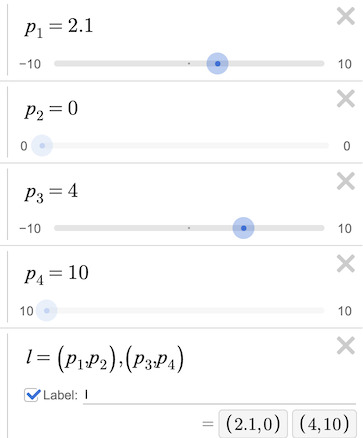
And then access them by, for example, $p_1$. That is very, very annoying.
In Lispix, you can not only create points by using tensors, you can create matrices and access the innards as you would expect:
(define Q [[1 2] [3 4]])
(rank Q)              ; => 2
(shape Q)             ; => [2 2]
(slice Q 0)           ; => [1 2]
(slice (slice Q 0) 0) ; => 1
(print (@ Q Q))       ; matmul
I can’t feed it a bunch of test data
Desmos has a neat feature where you can build out little tables of data, but there isn’t really a way to run large amounts of data in a sheet (or open a CSV or what have you). I find myself needing to try a lot of data when working on ML or CV algorithms.
This point is a bit cheeky on my part as the version of this application I use runs on my desktop and I can process data directly. You can’t exactly access a CSV file directly via the web application, but you can easily paste data into the editor text area which is still easier to do than on Desmos.
Conclusion
I’ve been using this application for a number of months, and I’ve found it very useful. I’ve compiled the web version in hopes that others find it useful too. Let us know if you have any feedback.
While Lispix is built by using many of my open source libraries, the application itself is not open source. Mostly because some of the code is also used within a custom proprietary robotics operating system we are running (more on that later hopefully).
Libraries for the curious: